
 31 July 2026
 Share
Share
1
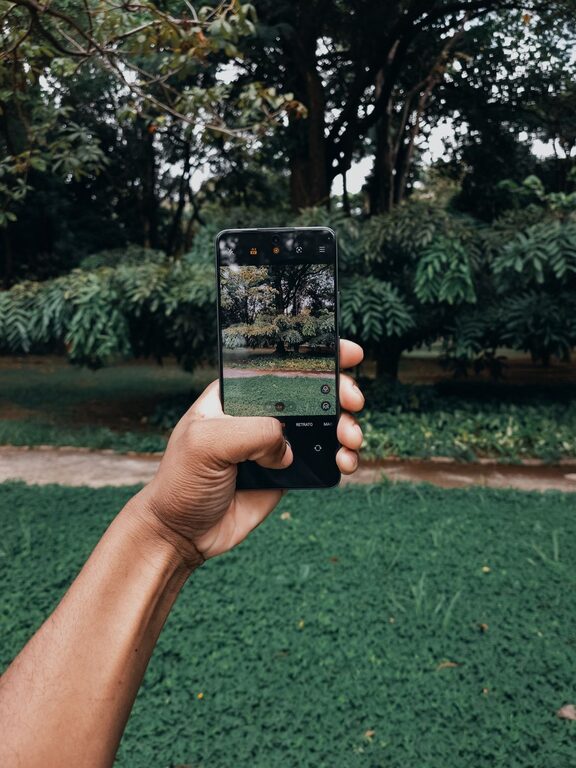
Taking great photos with your phone is easier than ever thanks to improvements in smartphone cameras. Whether you want to capture memories, share moments on social media, or simply improve your photography skills, a few beginner-friendly tips can make a big difference. This guide will help you understand the basics of phone photography and offer practical advice to take better pictures.
Before you start snapping away, spend some time exploring your phone’s camera features. Most modern smartphones have multiple lenses, different shooting modes, and settings you can customize.
– Open your camera app and test out different modes like portrait, panorama, or night mode.
– Learn how to tap the screen to focus and adjust exposure.
– Check if your phone supports manual controls or shooting in RAW format for more editing flexibility.
Knowing your phone’s capabilities helps you make informed choices about how to shoot each photo.
A simple but often overlooked step is to regularly clean your phone’s camera lens. Dust, fingerprints, and smudges can make your photos look blurry or hazy.
– Use a microfiber cloth or lens cleaning wipe.
– Avoid using harsh chemicals or abrasive materials.
– Clean the lens gently before important shoots or when you notice a drop in photo quality.
Good composition makes your photos more interesting and visually appealing. Here are some basic rules to help you frame your shots:
Imagine your screen divided into a 3×3 grid. Placing your subject along these lines or at their intersections creates balanced and dynamic images. Most phones have an option to show this grid in the camera app settings.
Leading lines are natural lines in your surroundings—like roads, fences, or rivers—that guide the viewer’s eye toward your subject.
Use elements such as doorways, windows, or branches to frame your subject. This adds depth and focus to your photo.
A clutter-free background helps your subject stand out. Move around to find a clean or interesting backdrop.
Lighting can make or break a photo. Whenever you can, use natural light instead of relying on your phone’s flash.
– Shoot during the golden hours—shortly after sunrise or before sunset—when the light is soft and warm.
– Avoid harsh midday sun, which can cause strong shadows.
– Position your subject facing the light source for even illumination.
– If shooting indoors, try to stand near a window to take advantage of natural light.
If you must use the flash, experiment with distance and angles to avoid overexposed faces or shiny spots.
Shaky hands can cause blurry images, especially in low light. Here are ways to stabilize your phone:
– Hold your phone with both hands and tuck your elbows close to your body.
– Lean against a stable surface or sit down to reduce movement.
– Use a tripod or phone stand for extra stability during longer exposures or time-lapse shots.
Many phones also have image stabilization features—turn these on if available.
Changing your viewpoint can add interest to your photos.
– Try shooting from low angles to make subjects look larger or more dramatic.
– Shoot from above for flat lays or to capture patterns.
– Move closer for detailed shots or far away for wider scenes.
Don’t be afraid to explore and find unique angles.
Editing can enhance your pictures and correct minor issues. Many phones have built-in editing tools that are easy to use.
– Adjust brightness, contrast, and saturation to improve color and lighting.
– Crop photos to improve composition.
– Use filters sparingly to keep your photos natural-looking.
– Avoid over-editing, which can make images look artificial.
There are also many free and paid photo editing apps available with a range of features for beginners.
Keeping your phone’s photo library organized makes it easier to find and share your best shots.
– Regularly delete duplicates or blurry photos.
– Use albums or tags to group similar pictures.
– Back up your photos to cloud storage or an external drive to avoid loss.
Like any skill, phone photography improves with practice. Take photos often, review your work, and try new techniques. Experimenting will help you discover your style and gain confidence behind the camera.
—
By following these beginner tips, you’ll be able to take clearer, more engaging photos with your phone. Remember, the most important part of photography is enjoying the process and capturing the moments that matter to you. Happy shooting!
